Tutorial
Check Any Site's Traffic and Traffic Sources First
Before you build, read the data behind a winning site: traffic size, similar sites, the traffic-source mix, and the exact keywords feeding its search visits.
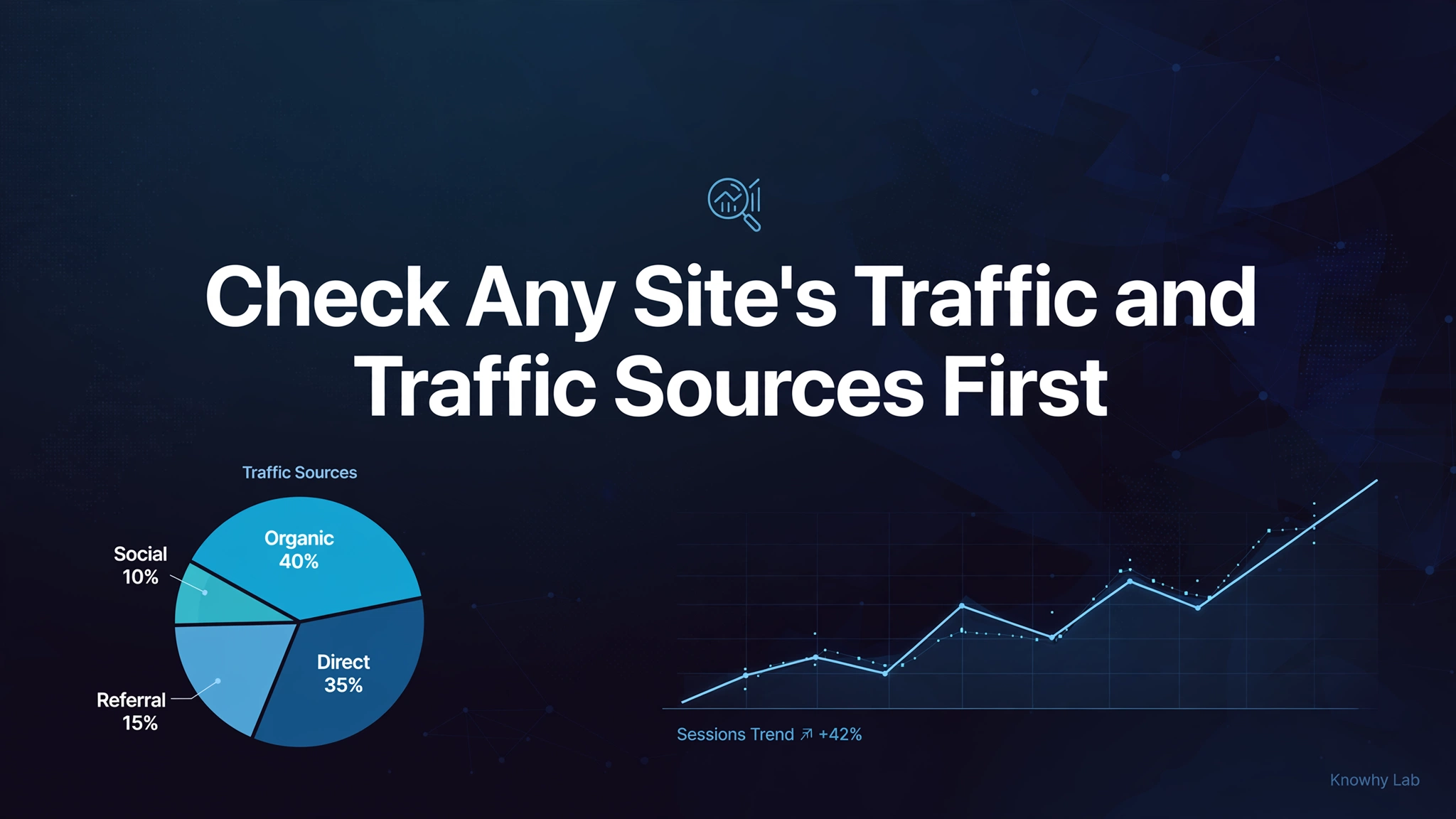
Every site you meet is a case study — if you know how to read it. Most beginners start from an idea in their head and spend months building before discovering nobody wants it. There is a cheaper starting point: read the public data of a site that already wins, and let proven demand choose your product. This article teaches a four-step habit for reading any website’s traffic, so every site you encounter hands you research for free.
(Figures in this article are as mentioned in the original source and have not been independently verified.)
1. Step one: check the traffic size
Open the site in a traffic-estimation tool such as Similarweb and look at monthly visits first. The worked example here is notion.so, noted in the original at about 152.7 million monthly visits. Size tells you whether the site is even worth studying — you want a proven winner, not a ghost town.
Also check the domain’s registration time, and set a cutoff line for yourself: an old site registered more than a year ago but pulling under 1 million monthly visits is not worth a deep read, and a new site registered within the year with under 40K monthly visits is not worth one either. The cutoffs are not laws of nature — they are a filter so you spend your attention on sites that have proven something.
2. Step two: check its similar sites
One site is never the whole map. Similarweb lists similar sites for the domain you entered; open the high-traffic ones in new tabs, then run the full four steps on each. Semrush’s “organic search competitors” — sites that compete with it for the same keywords — can be read the same way.
This is how one reading becomes a survey of a niche. A cluster of similar sites shows you the demand landscape: which products overlap, which keywords they all chase, and where the gaps between them sit.
3. Step three: read the traffic-source mix
Now look at where the site’s visits come from. For notion.so, the original notes that most traffic is direct and only about 7.42% — roughly 11.33 million visits — arrives from search engines. A small share, but an enormous absolute number: even a sliver of a giant is worth studying, so the question becomes which keywords feed it.
The mix tells you what game the site is playing. A search-heavy site is the best textbook for a beginner, because its demand is written out in keywords you can read. A brand- or direct-heavy site lives on reputation, which is harder to replicate with SEO alone — though its content themes still reveal what the audience cares about.
4. Step four: find the search keywords in Semrush
Enter the domain in Semrush and open its keyword list. Work one country at a time, starting with the biggest traffic contributor — for notion.so that is the United States, with about 921K search visits, roughly a fifth of the total. Brand terms dominate (notion and its long tails), which is normal for a famous product.
Then filter and sort to find what a newcomer could actually use: keep keyword difficulty between 0 and 49, and sort by traffic from high to low. What surfaces is a list of medium-low-difficulty keywords that already carry volume — the same pool the earlier screening article taught you to evaluate. Read each candidate with the job, beatability, and monetization lens before you commit.
5. Two working principles
Two principles make this method trustworthy.
First, the roughly-80% rule of ranking. The top result for a keyword takes about 80% of its clicks. The original gives the worked math: notion.so’s biggest keyword carried 6.6K total visits, and sitting at rank one, the site captured 5.3K of them — almost exactly 80%. This is also the logic that lets estimation tools model traffic at all: they know each keyword’s search volume, each site’s rankings, and in some cases real traffic from cooperating sites, then verify and correct the model continuously.
Second, the usability principle: if a site can take traffic from a keyword, that keyword is usable. Sort by traffic, not by search volume — the logic is “this site can eat this keyword’s traffic, so a site I build around it might too.” Small words do not each need their own domain; one site can hold many of them.
One caution: rankings move, and the numbers move with them. The original describes watching a site sit at rank 3 taking 335K visits, then two days later drop to rank 6 with higher difficulty and only 53K — competitors change, rankings change. Treat every reading as a snapshot and re-verify before you act on it. Also note the tools disagree with each other: Similarweb and Semrush each estimate with their own models, so do not compare their numbers side by side as if they shared one methodology.
6. Make it a habit
The method pays off once, and compounds as a habit. Check any site you encounter — its traffic size, its similar sites, its source mix, its keywords. Over months you build an instinct for which needs are real and which are mirages, and a notebook full of candidates for your next build.
Demand is not something you invent. It is something you discover, in public data, before you write a line of code.
Series: Build Overseas Websites with GeFei
This article is based on GeFei’s shares, reorganized in our own words. Source: https://github.com/qiayue/opengefei