Tutorial
How Google Understands Your Web Page
Learn a verifiable method to check whether Google understands your page: use the first sentence above the fold as an anchor, map page elements to ranking weights, and reverse-verify with Search Console.
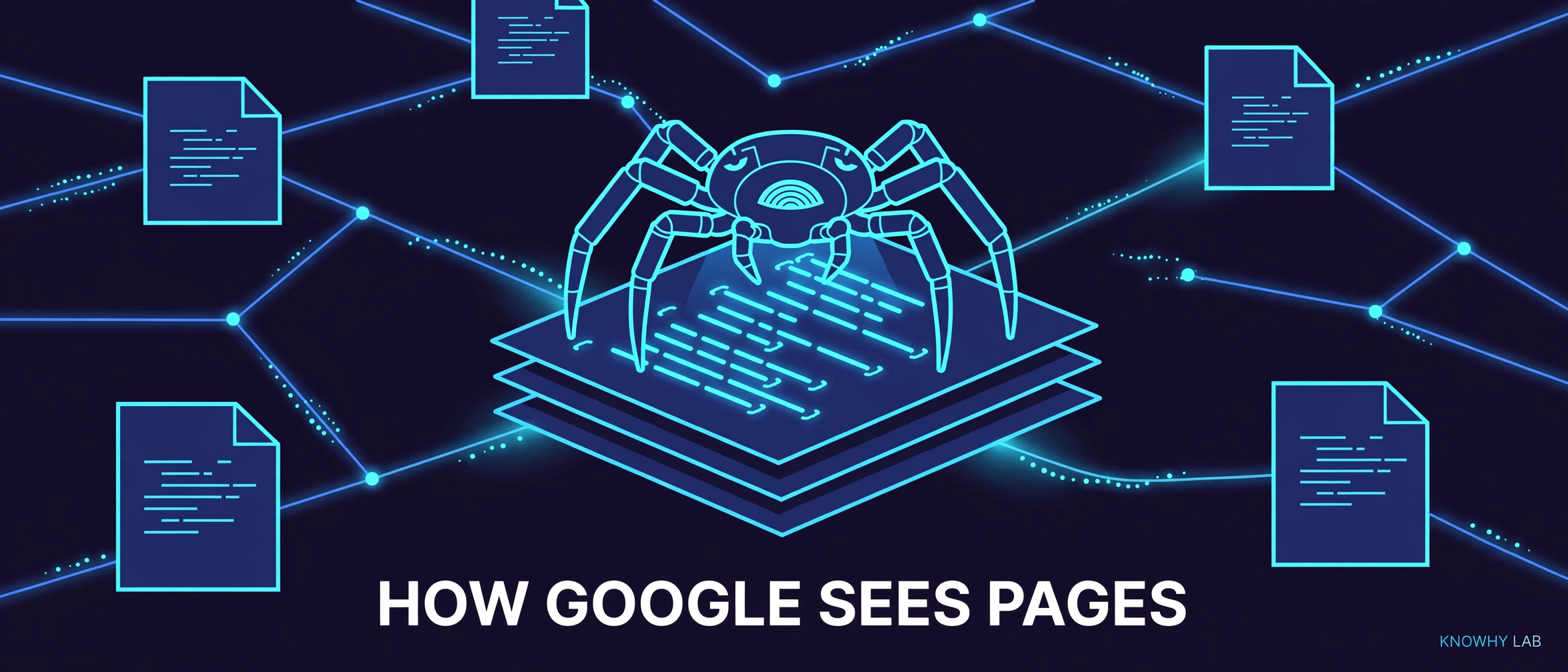
Most web entrepreneurs treat SEO as a guessing game: you stuff keywords, hope for the best, and check rankings later. But there is a more reliable path. The core problem is not “how do I rank higher” but “how does Google actually read my page?” If you can answer that question with evidence, not intuition, your on-page decisions become predictable.
This tutorial gives you a concrete method to verify Google’s understanding of any page. The idea is simple: take the first sentence visible above the fold as an anchor, map each page element to known ranking weights, then reverse-check with Google Search Console. If the keywords Google associates with your page overlap heavily with synonyms of that first sentence, you have proof that Google “gets” your page the way you intended.
(Figures and case details in this article are as reported in the source material and have not been independently verified.)
The Core Idea: Anchor on the First Sentence
When a human opens your page, the first thing they read is the sentence at the top of the viewport. Google’s crawler does something similar: it treats that prominent text as a strong signal of the page’s central topic. So before you write anything else, decide what that first sentence will be. It must contain your main keyword naturally, and it must be a complete, meaningful statement — not a tagline, not a navigation label, not a hero image caption.
Why does this matter? Because Google’s semantic systems (often described as LSI-like) do not match exact strings. They map your text to a cluster of related concepts. If your first sentence says “a directory of useful websites for webmasters,” Google builds a concept cloud around “directory,” “webmasters,” “useful,” and “websites.” Later, when a user searches “website list for site owners,” Google can connect the dots even though no exact phrase matches.
Ranking Weight References: What Matters Most
The source material reports rough weight references for on-page factors. These are not verified absolutes, but they give you a mental model. Page content itself is the largest factor, around 30%. The title tag is the second biggest, around 15%. Backlinks fall in the 10-20% range. Everything else — headings, URL structure, images, internal links — fills the remainder.
The practical takeaway is not to obsess over exact percentages. Instead, notice the hierarchy: content and title dominate. If your title is vague or covers two topics, you waste 15% of your page’s potential. If your content is thin or keyword-stuffed, you waste 30%. Backlinks are important, but they amplify a page that already has clear semantics; they cannot fix a page that says nothing coherent.
The Synonym Case: Semantic Understanding in Action
The source material describes a demo case: a webmaster-navigation site whose title was written in Chinese, literally meaning “webmaster navigation.” The site’s first sentence was an intro description of the service. Users did not search for the literal title; they searched for differently-worded but similar-meaning queries like “website directory” or “webmaster tools list.” Despite the language mismatch, the site ranked well for those queries.
Why? Because Google understood the meaning behind the title, not the literal characters. The title said “navigation for webmasters,” and the page content described a curated list of useful sites. Google’s semantic layer connected those ideas. This is the strongest argument for writing naturally: you are not optimizing for a keyword string, you are optimizing for a concept cluster.
The AI Experiment Inference
To support the semantic argument, the source material mentions an AI experiment. The author had an AI perform synonym and near-synonym recognition on a piece of text, extract several synonyms, and then do semantic matching against a set of queries. The AI’s matching results showed that it could reliably connect different wordings to the same underlying meaning.
The inference is that Google likely uses similar AI technology to understand pages. You do not need to replicate this experiment yourself. The point is strategic: if AI can map synonyms to concepts, then your job is to write pages that are concept-dense, not keyword-dense. A page that uses varied but related vocabulary gives Google more surface area to match against user queries.
The Practical Checklist for Each Page
Apply these rules to every page you build:
- One page covers one clear topic. Do not mix “best tools” and “how to install them” on the same URL.
- The title tag states that single topic in plain words that a human can understand.
- The first sentence above the fold contains the main keyword, written naturally, not stuffed.
- The keyword appears above the fold at least once, but do not repeat it more than three times in the visible area.
- Do not place outbound links to other sites on the page. Keep the user’s attention and Google’s crawl focus on your own content.
- Use title tags, H1/H2 headings, and bold text in meaningful positions — not for decoration, but to mark the structure of your argument.
Verification Methods: Prove Google Understands You
You cannot trust your own judgment alone. Use these three checks:
-
Quoted search test. In Google, search for your exact first sentence in quotes. If your page appears, Google has indexed that text as a meaningful unit. Do the same for your title. If neither appears, your page may be too thin or poorly structured.
-
Search Console reverse check. Open Google Search Console, go to the Performance report, and filter for your page URL. Look at the queries that actually triggered impressions or clicks. Compare those queries to synonyms of your first sentence. If the overlap is high, Google understands your page as you intended. If the overlap is low, your first sentence and title are not aligned with what users actually search for.
-
Traffic observation. Over time, watch which search terms bring visitors. If you see queries that are conceptually related but not literal matches, that is evidence of semantic understanding. If you only see exact-match queries, your page may be too literal and missing the broader concept.
The Three Questions Before You Build
Before writing a single line of HTML, answer three questions:
- What to do? Define the single topic and the target user intent for this page.
- Why do it? Understand that SEO is not about tricking Google but about serving user needs with high-quality content, while respecting how search algorithms work.
- How to do it? Use the first-sentence anchor method, apply the checklist, and verify with Search Console.
SEO in essence has three components: understand user needs, provide high-quality content, and understand search engine algorithms. Share what you learn by publishing it on your own site and discussing it with other web entrepreneurs. The more you articulate your process, the clearer your own mental model becomes.
Series: Overseas Website Building